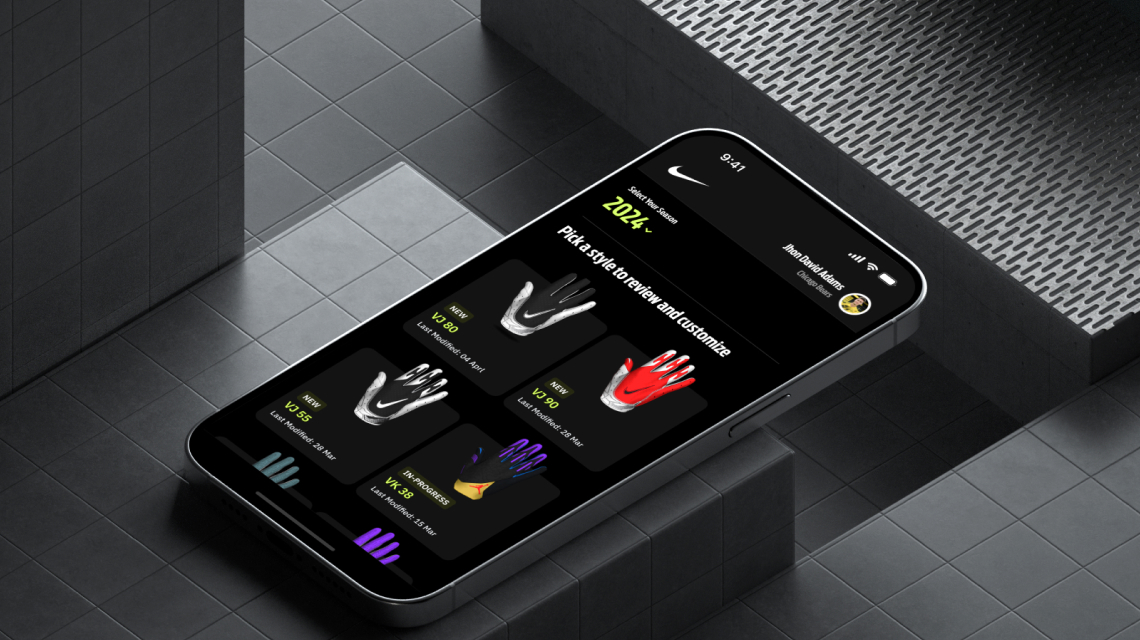
Nike Equipment Builder

Crafting an intuitive, personalized experience that empowers athletes to create gear tailored to their unique needs.

Problem Statement.
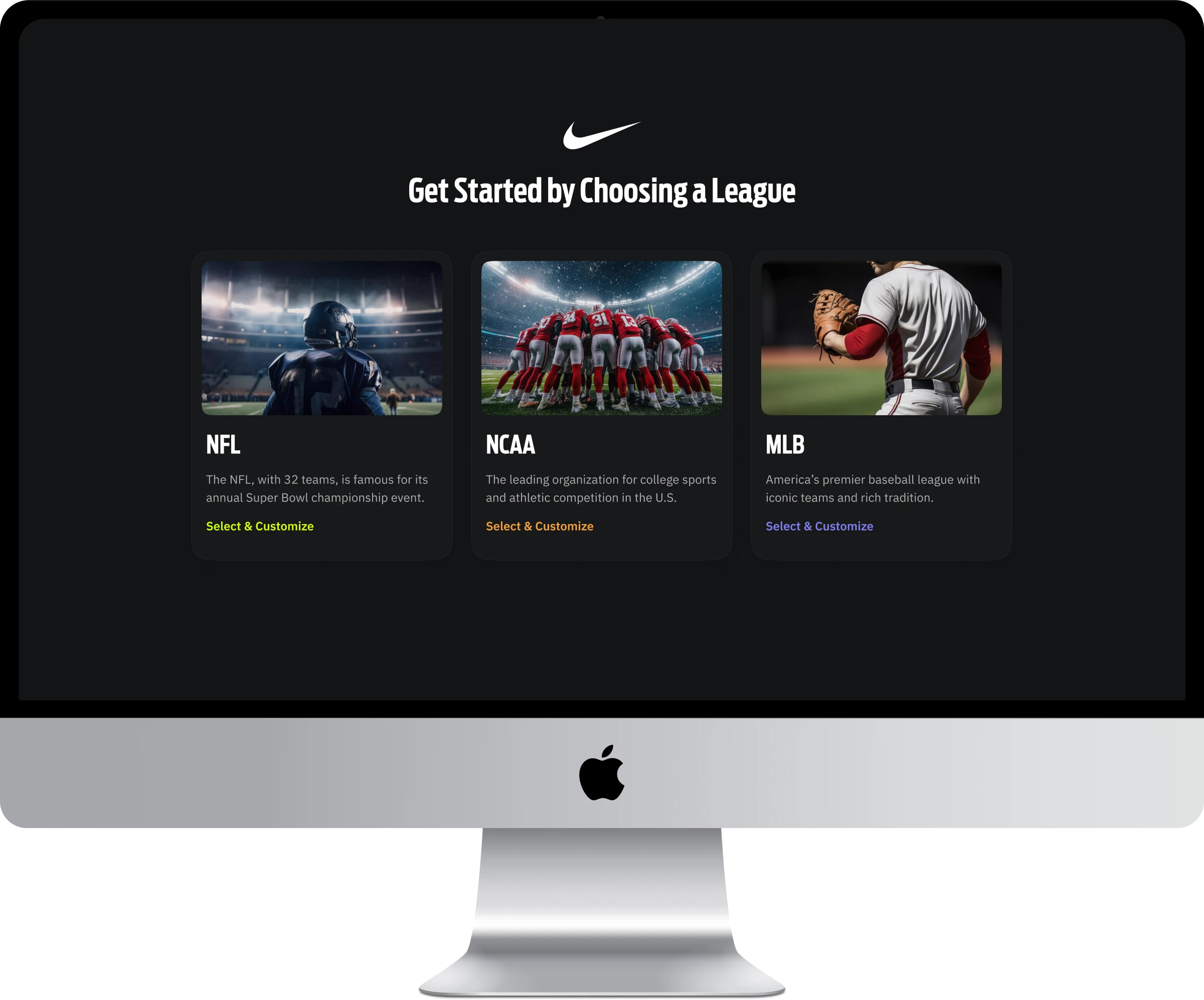
Nike needs a responsive mobile and web application, “Nike Equipment Builder,” that allows athletes to customize gear like gloves, chest protectors, and leg guards. The app should support both individual and team customizations, enabling personalized designs. It will also streamline Nike’s product customization process, improving efficiency and the overall user experience.
My Role.
I led the complete design process for the Nike Equipment Builder app, which included research,UX design, UI design, design system creation, presentations, and handoff, all within a tight 3-month deadline. Throughout the project, I collaborated closely with Nike’s administration team, helping them visualize, refine, and enhance the application’s features.

My Approach.
Here’s the UX process I followed from concept to completion. I actively supported the development team to ensure the final product reflected the original design vision.
Research & Discovery.

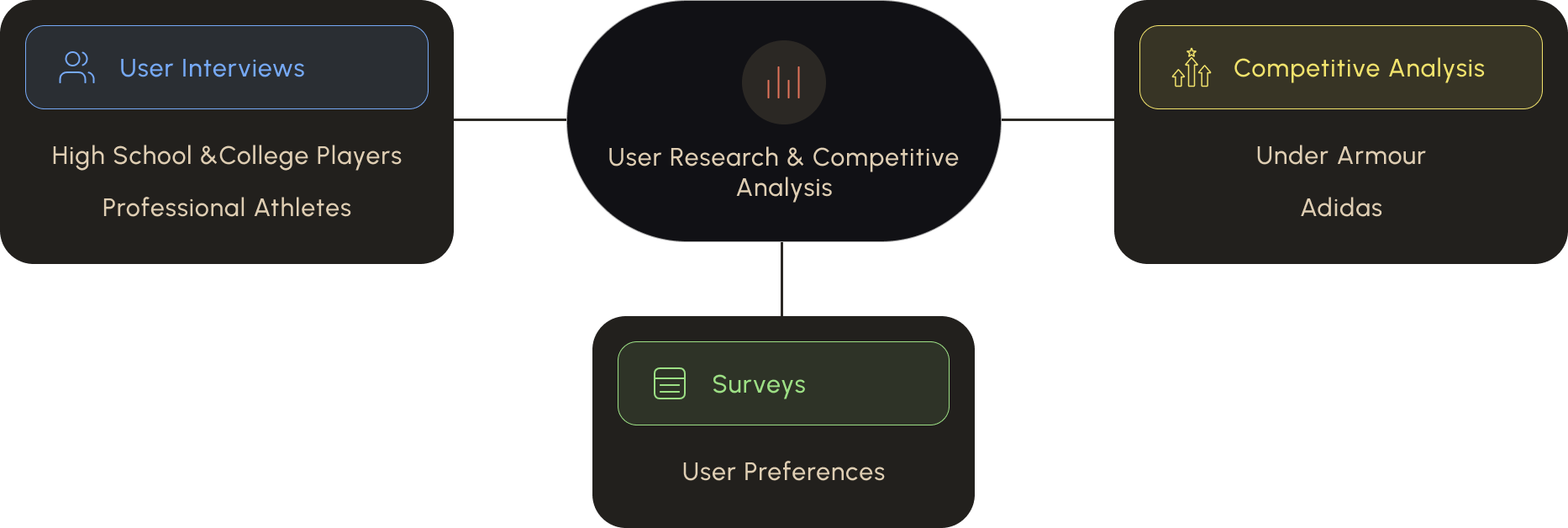
The first step was to immerse myself in understanding Nike’s audience and objectives. I began by conducting extensive user research. This involved interviewing potential users, such as high school athletes, college players, and even professional athletes. The goal was to gather insights into how they shop for and customize their gear, their pain points with current platforms, and their expectations from a Nike customization app.

In addition to user interviews, I performed surveys to collect quantitative data on user preferences. I also conducted a competitive analysis of Nike’s key competitors like Under Armour and Adidas, analyzing their online customization tools. This helped identify strengths and weaknesses in the industry and opportunities for Nike to stand out with its web-based app.

Discoveries From Research

Research highlights a market opportunity for Nike to expand its reach.
Below are some key insights:

User Personas & Scenarios.
Understanding users, user behavior and usage patterns is crucial for this project. To achieve this, I created a set of user personas that define key aspects and guide the design process.
Information Architecture.
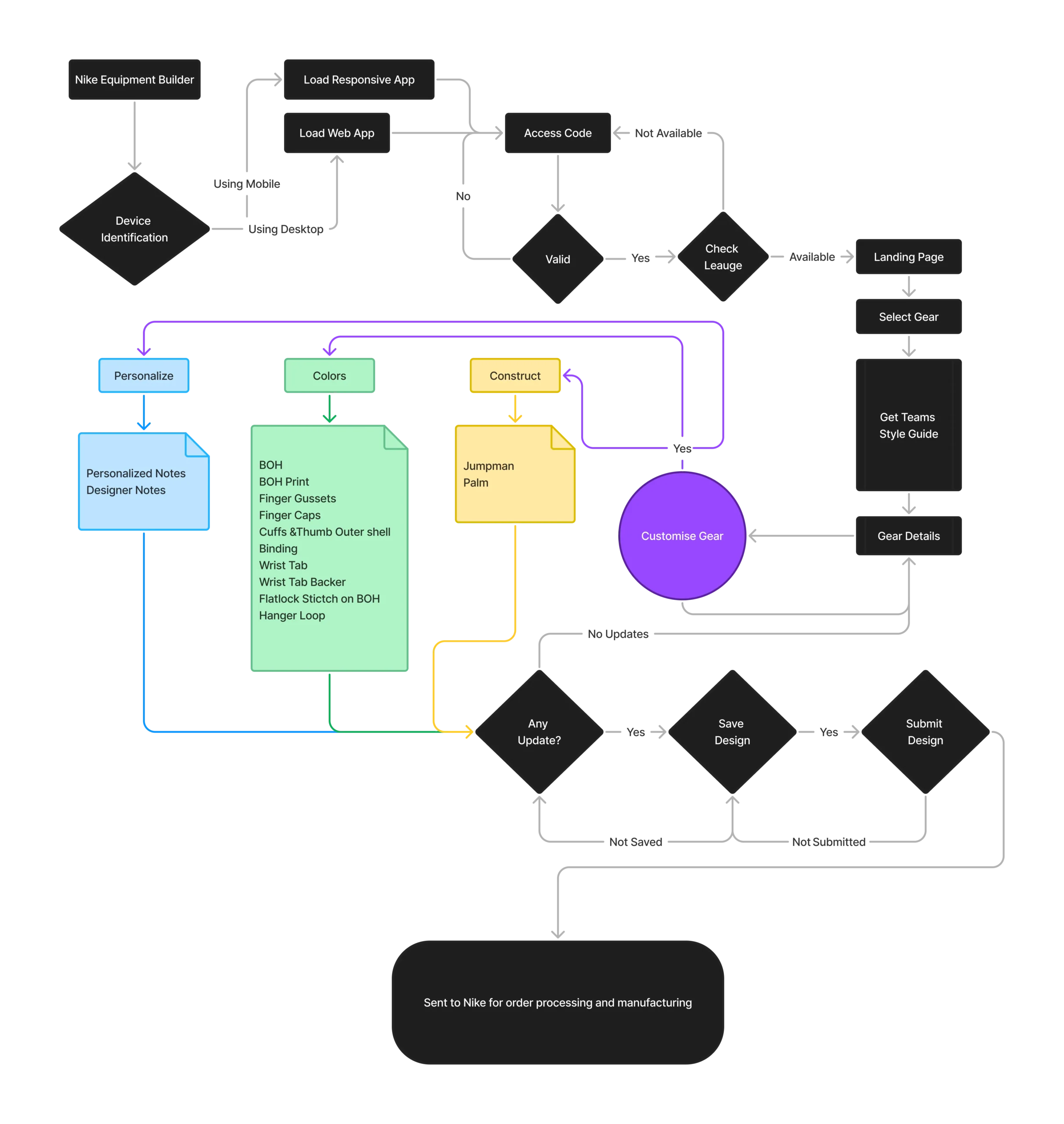
The next step was to build the app’s information architecture (IA), ensuring users could easily find products, navigate customization options, and submit designs to Nike. I organized the structure logically, categorizing products by sport, type, and customization features for a seamless experience.
Wireframing.

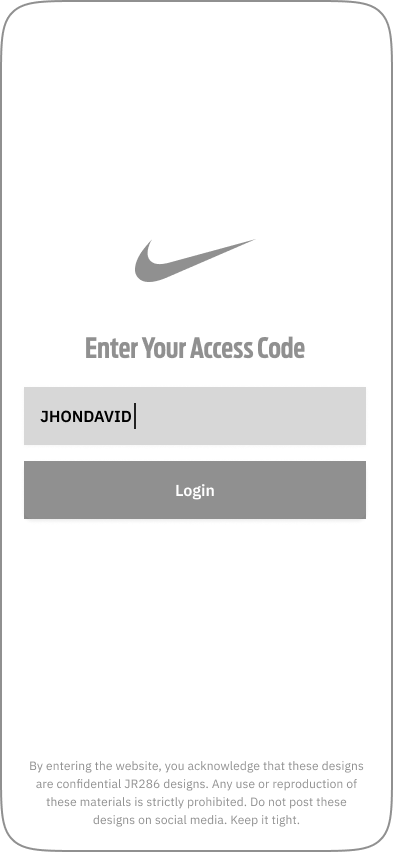
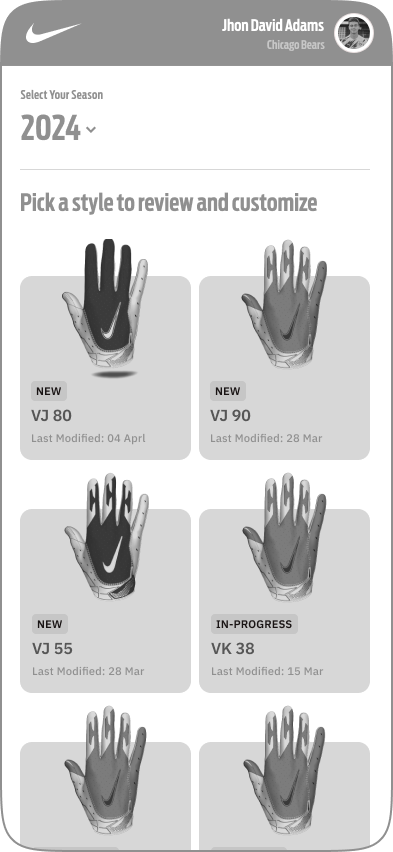
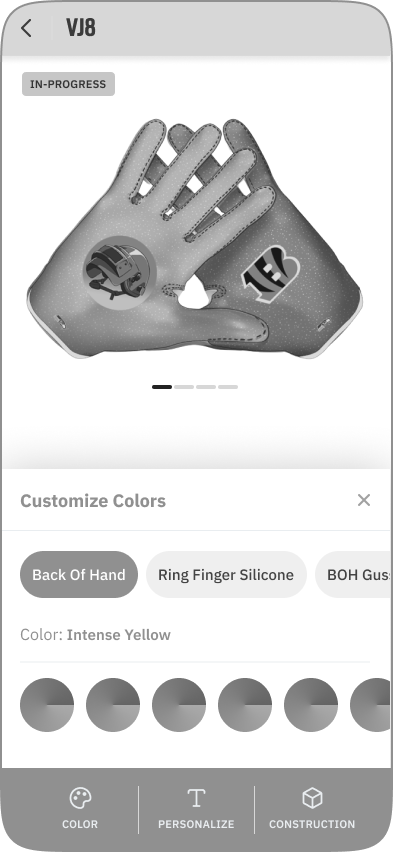
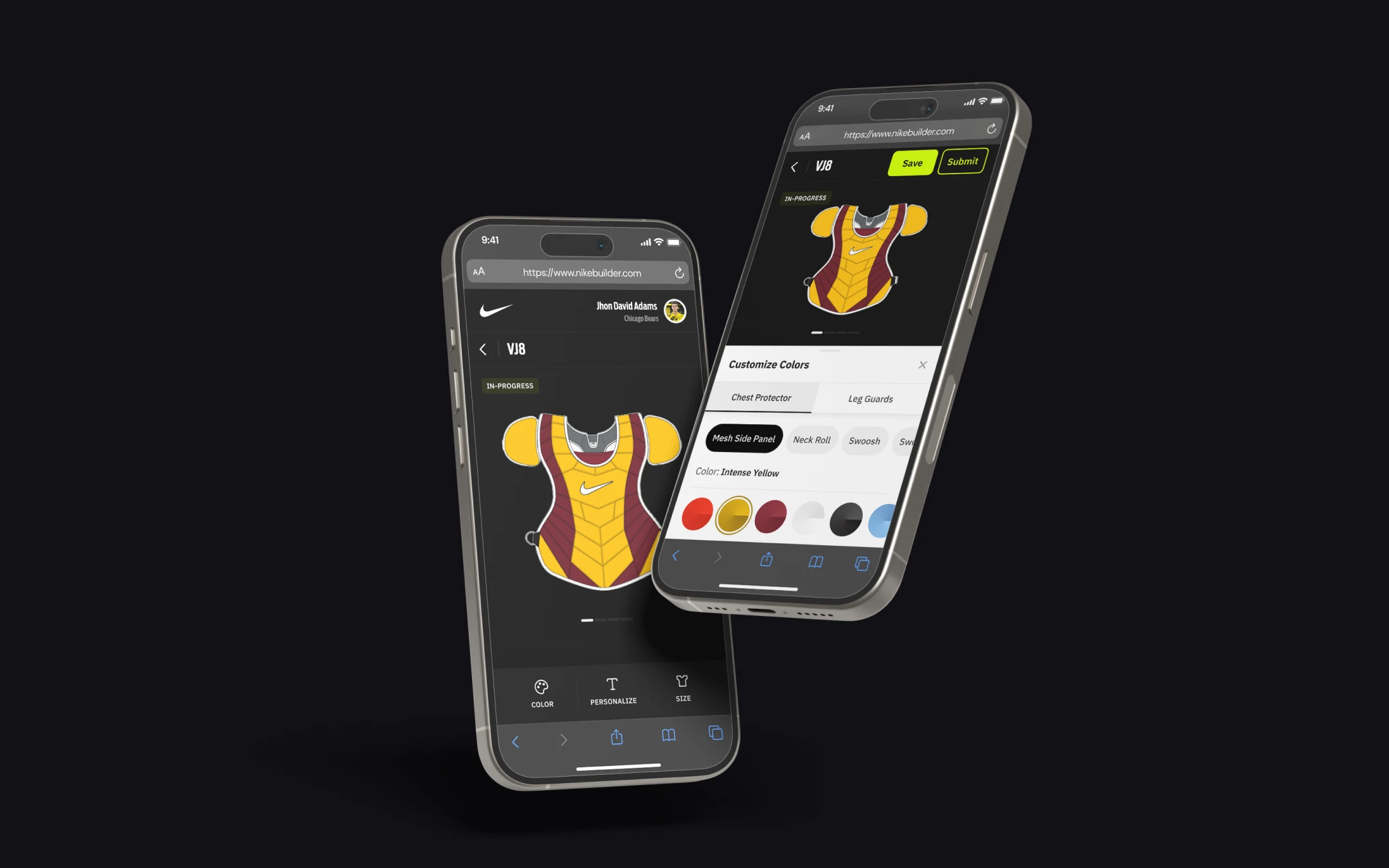
After setting the IA, I created low-fidelity wireframes in Figma to visualize the app’s structure. These wireframes covered key screens, focusing on functionality to allow easy product selection, customization, and real-time design previews.

Design System.
As I was building a responsive mobile and web application, I decided to reuse design components by creating a design system containing over 500 components, 10+ text styles, and a comprehensive color stack. I also included support for light and dark modes to enhance user experience.
Typography
After a long research, I decided to use a paid font called “Antenna”. The reason behind using this font is it loads fast on the web and brings a feeling of sportiness
Colors
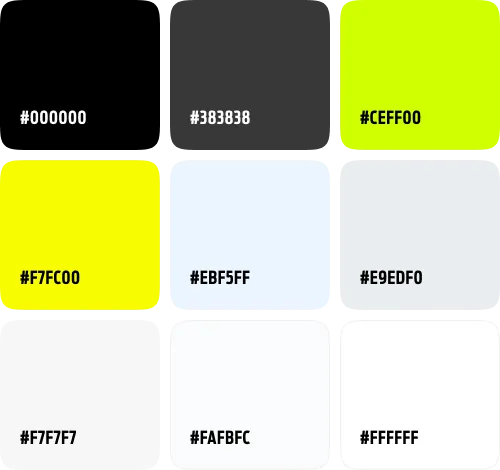
I decided to use Nikes dark theme for this project too as it is their brand color. along with it I introduced 3 colors as primary
Admin Console.
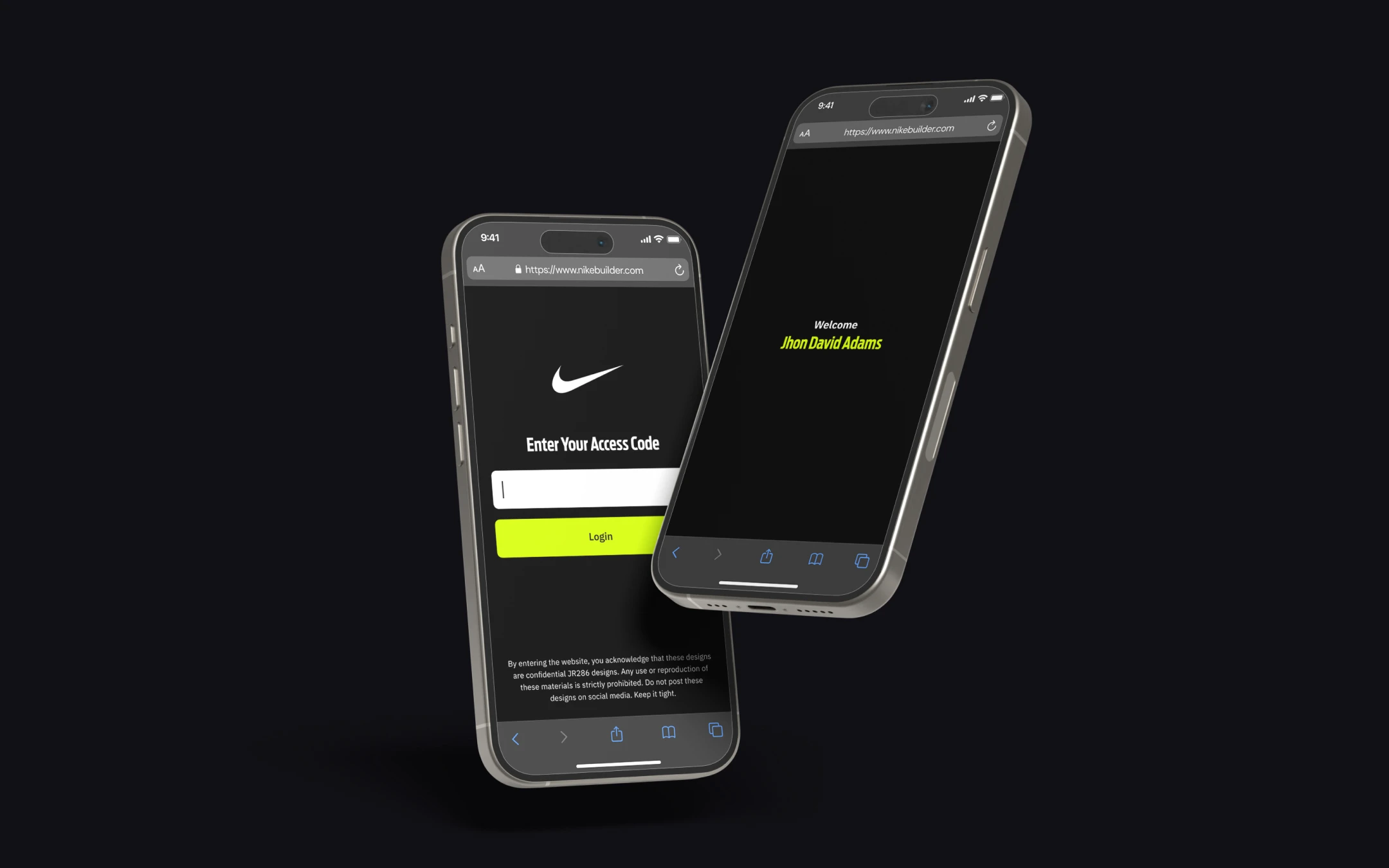
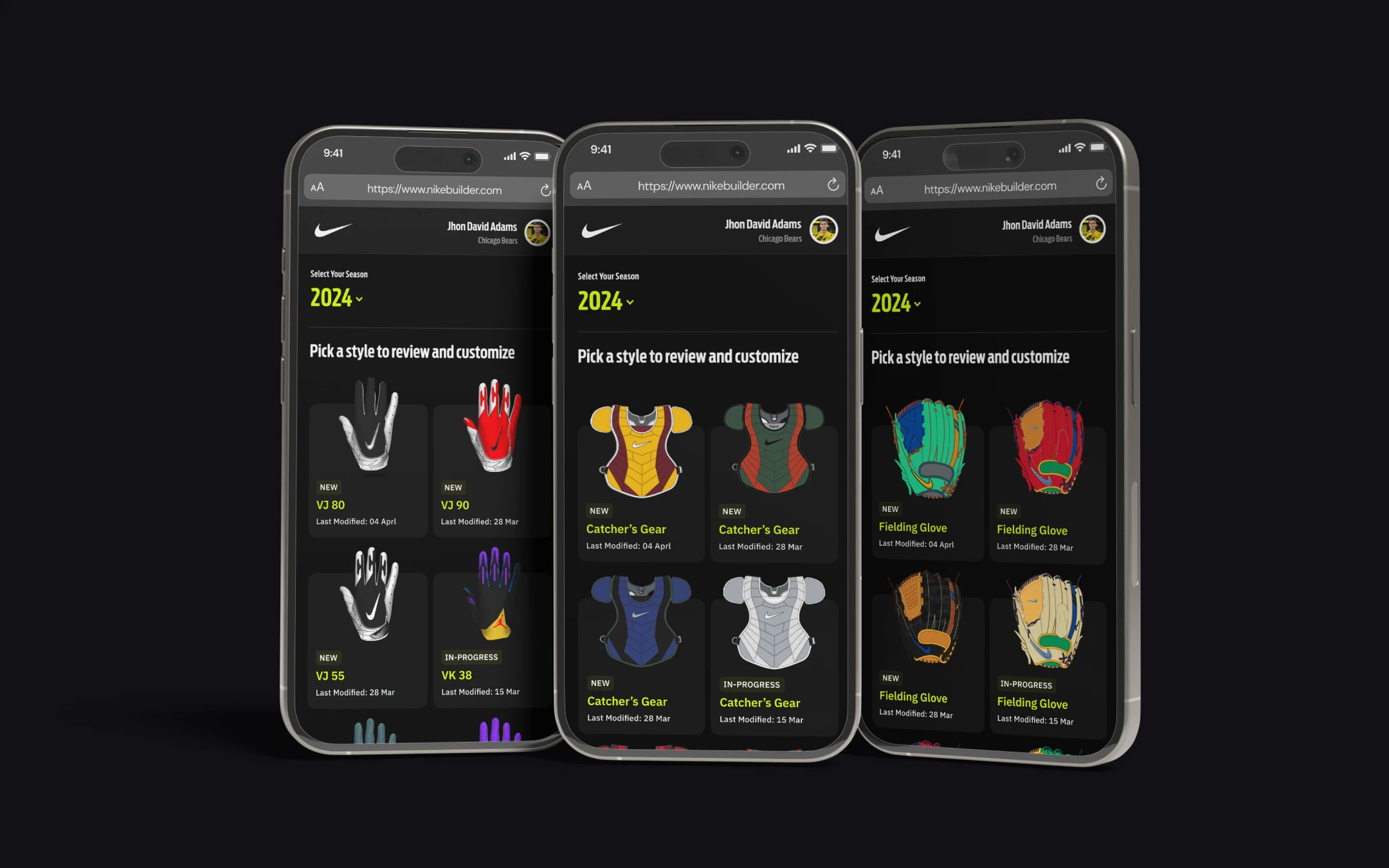
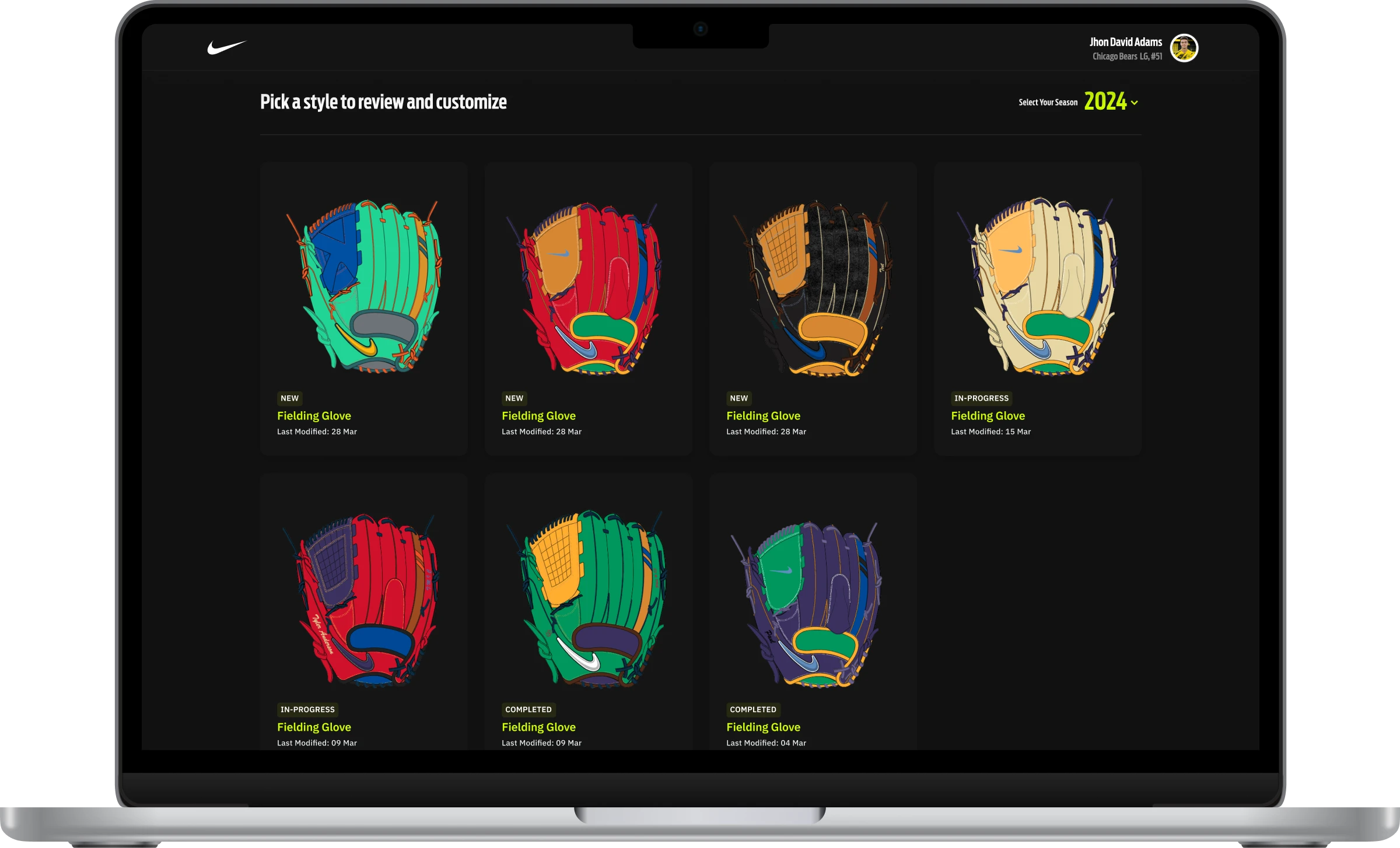
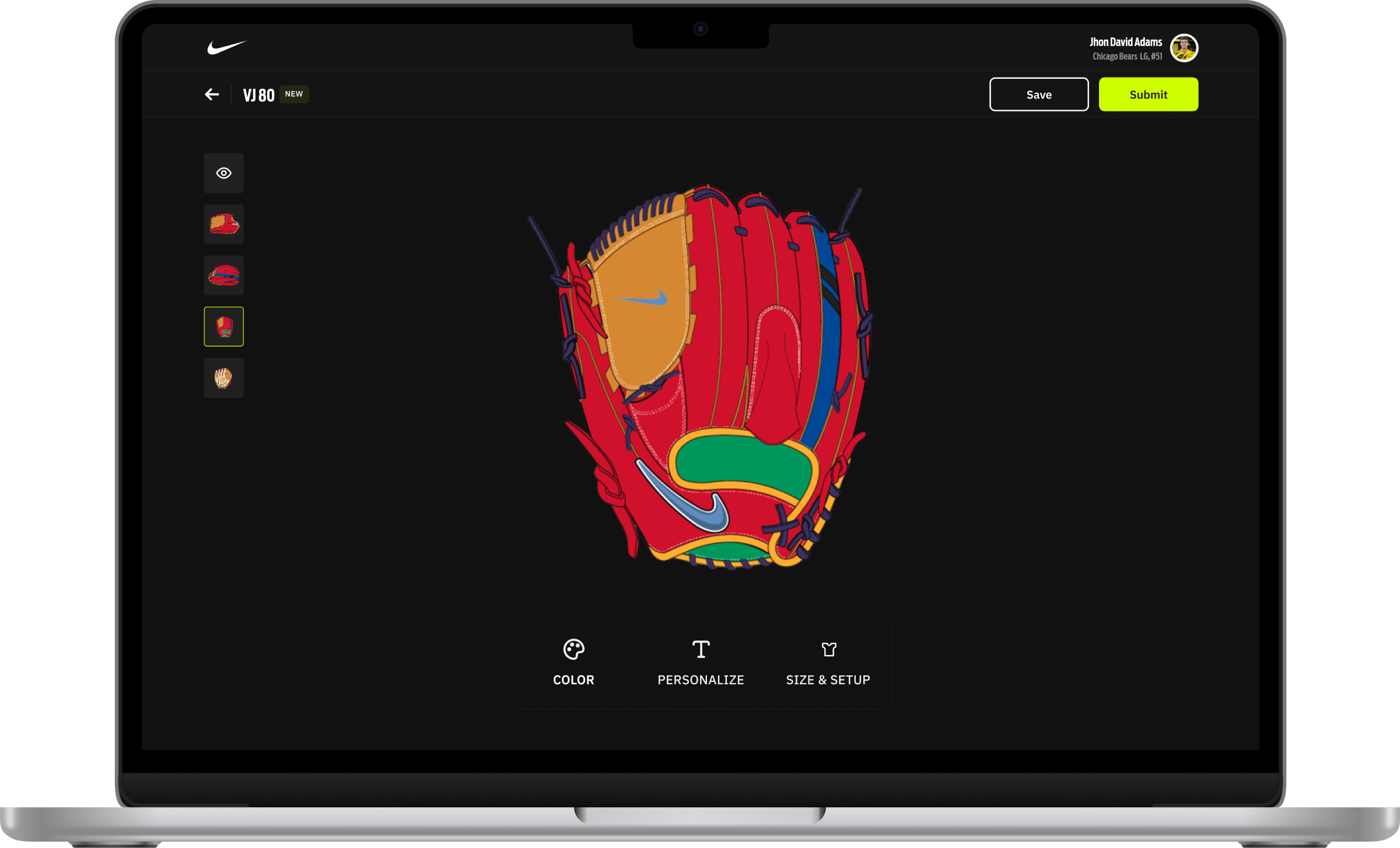
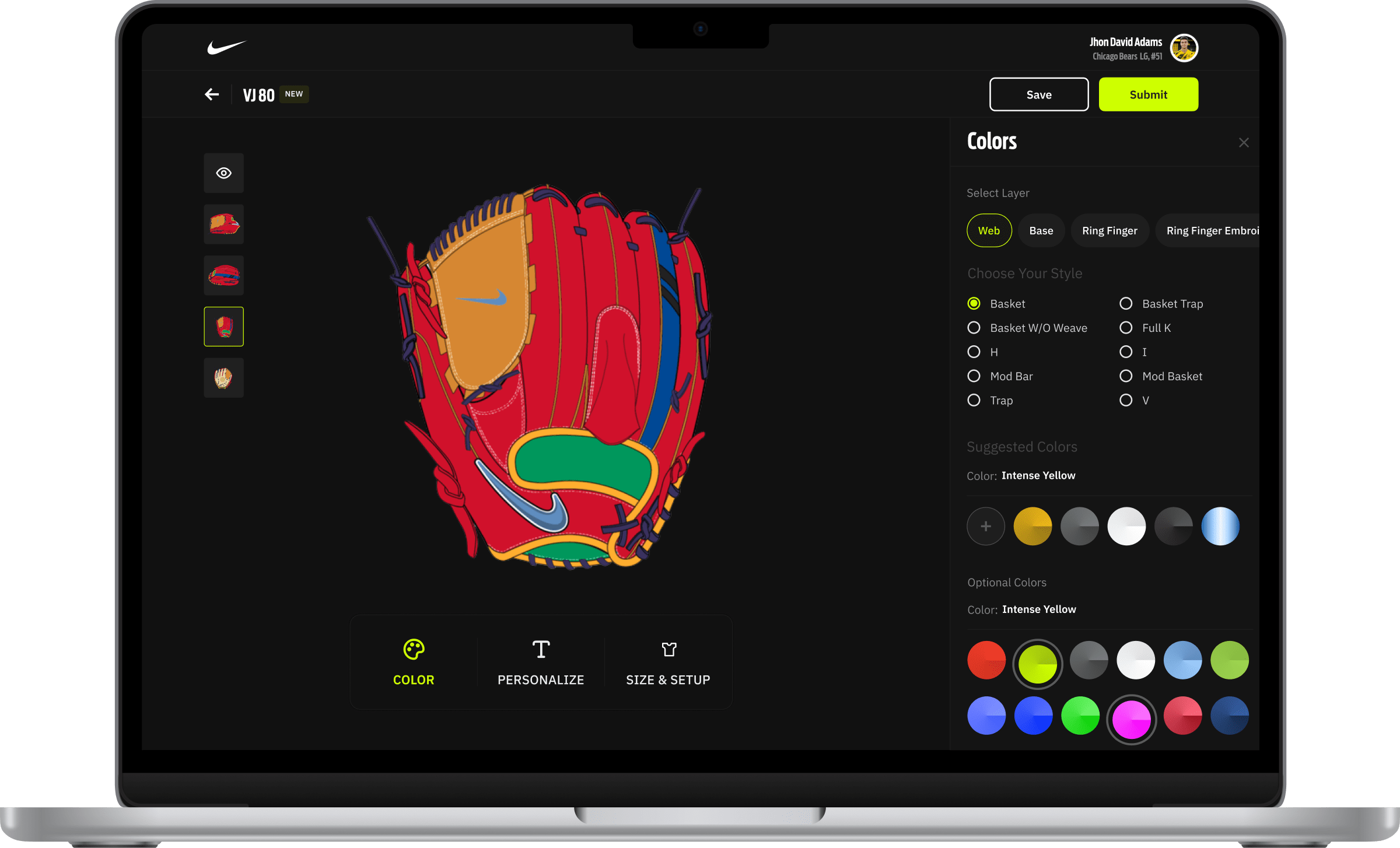
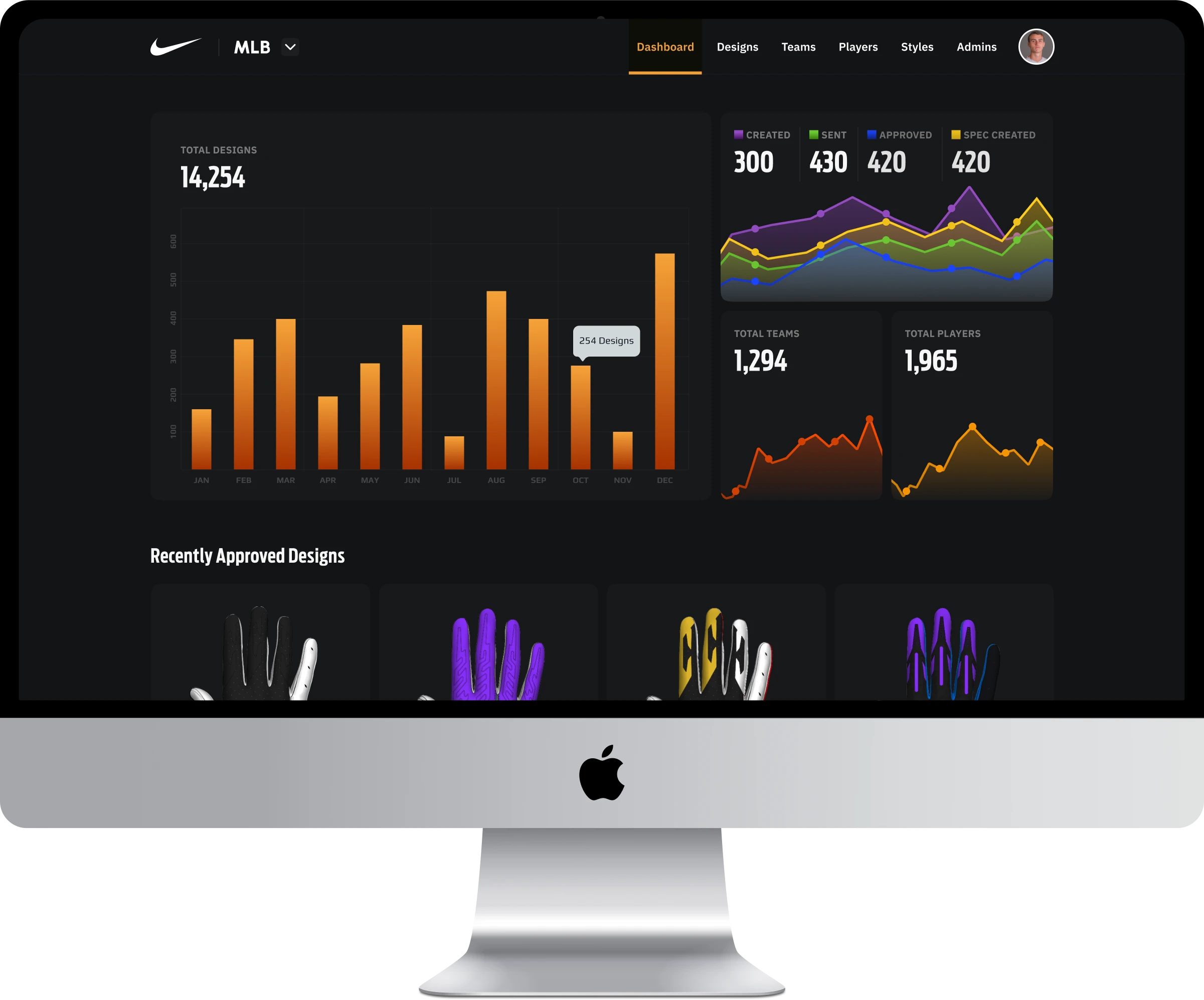
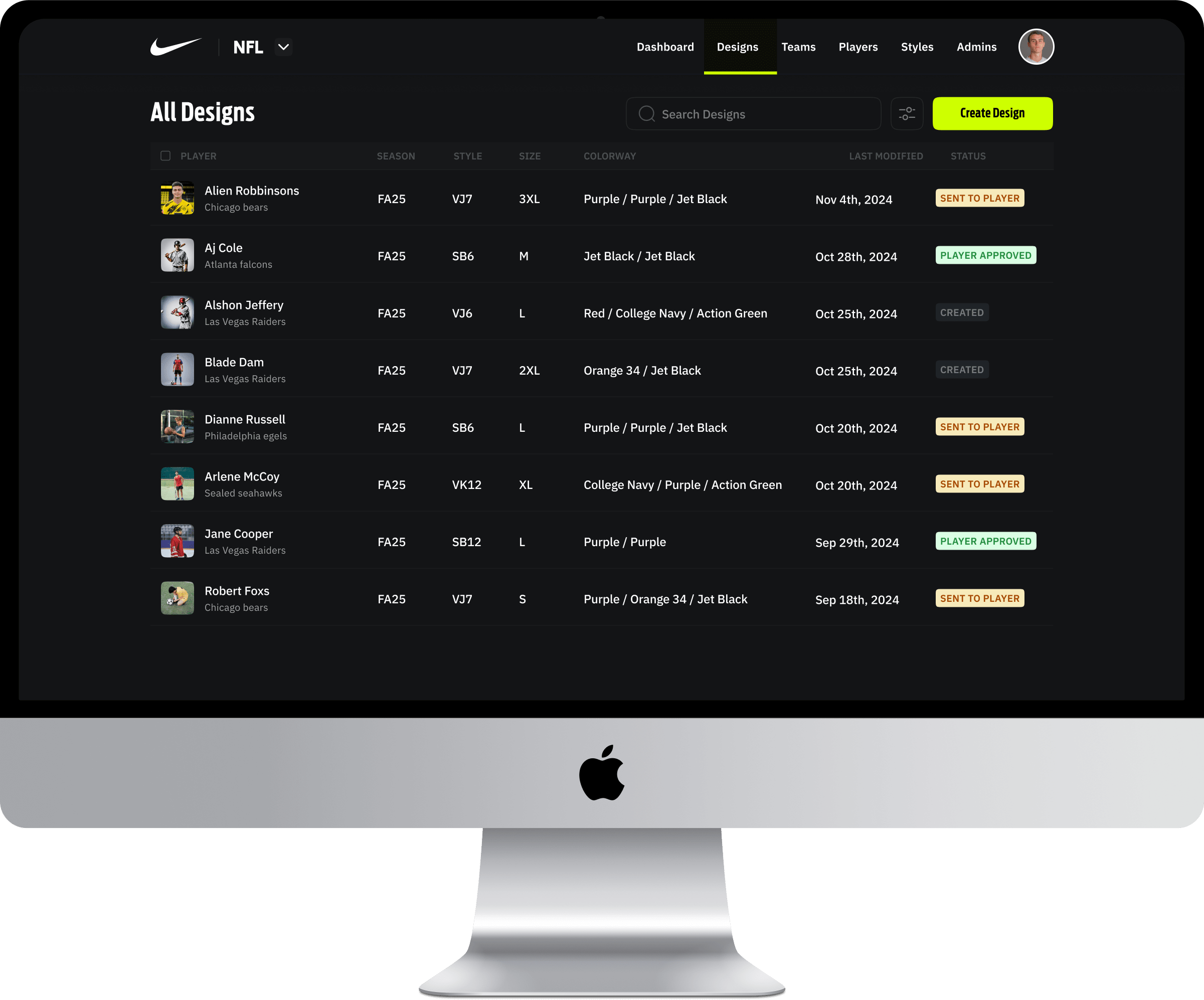
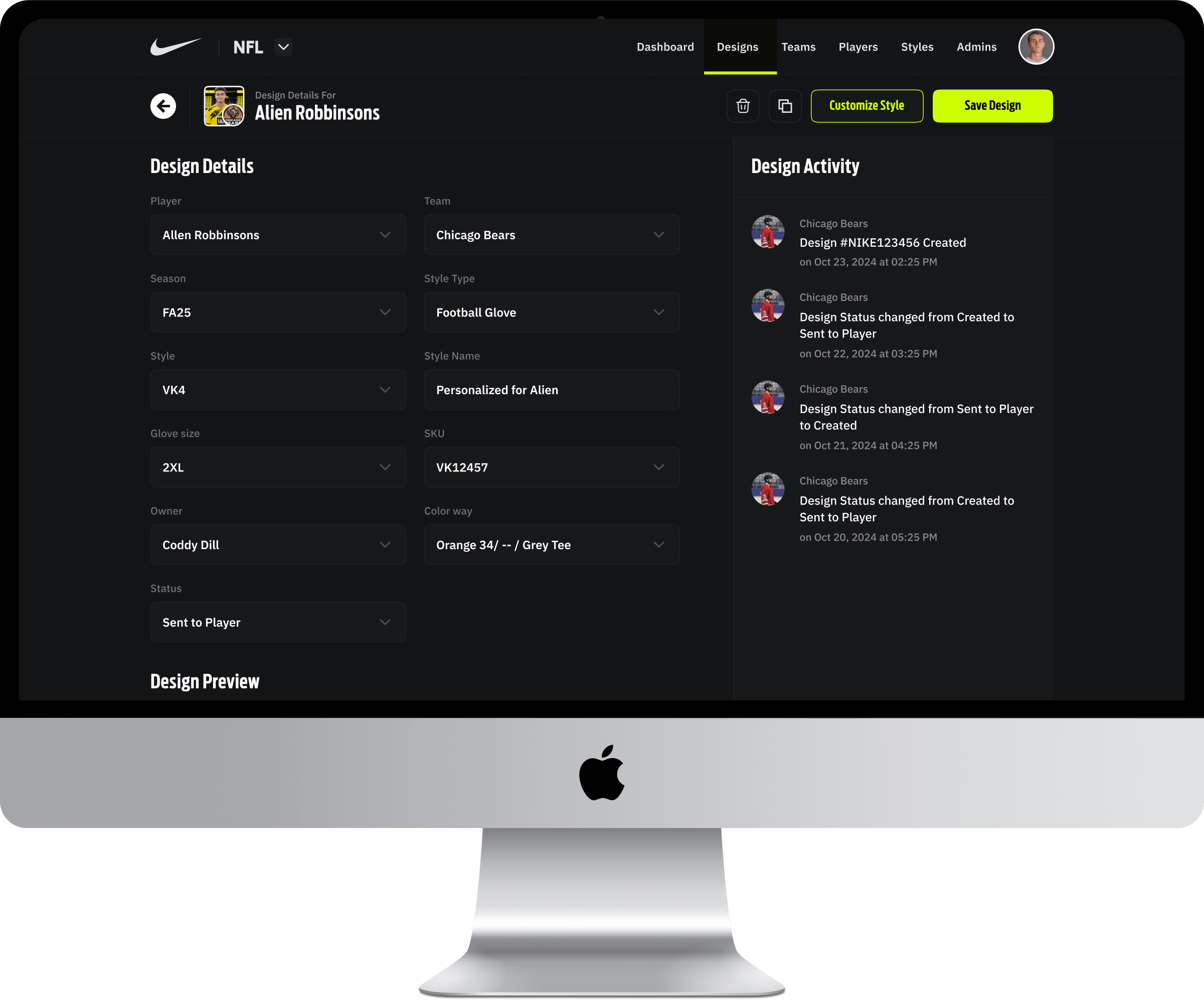
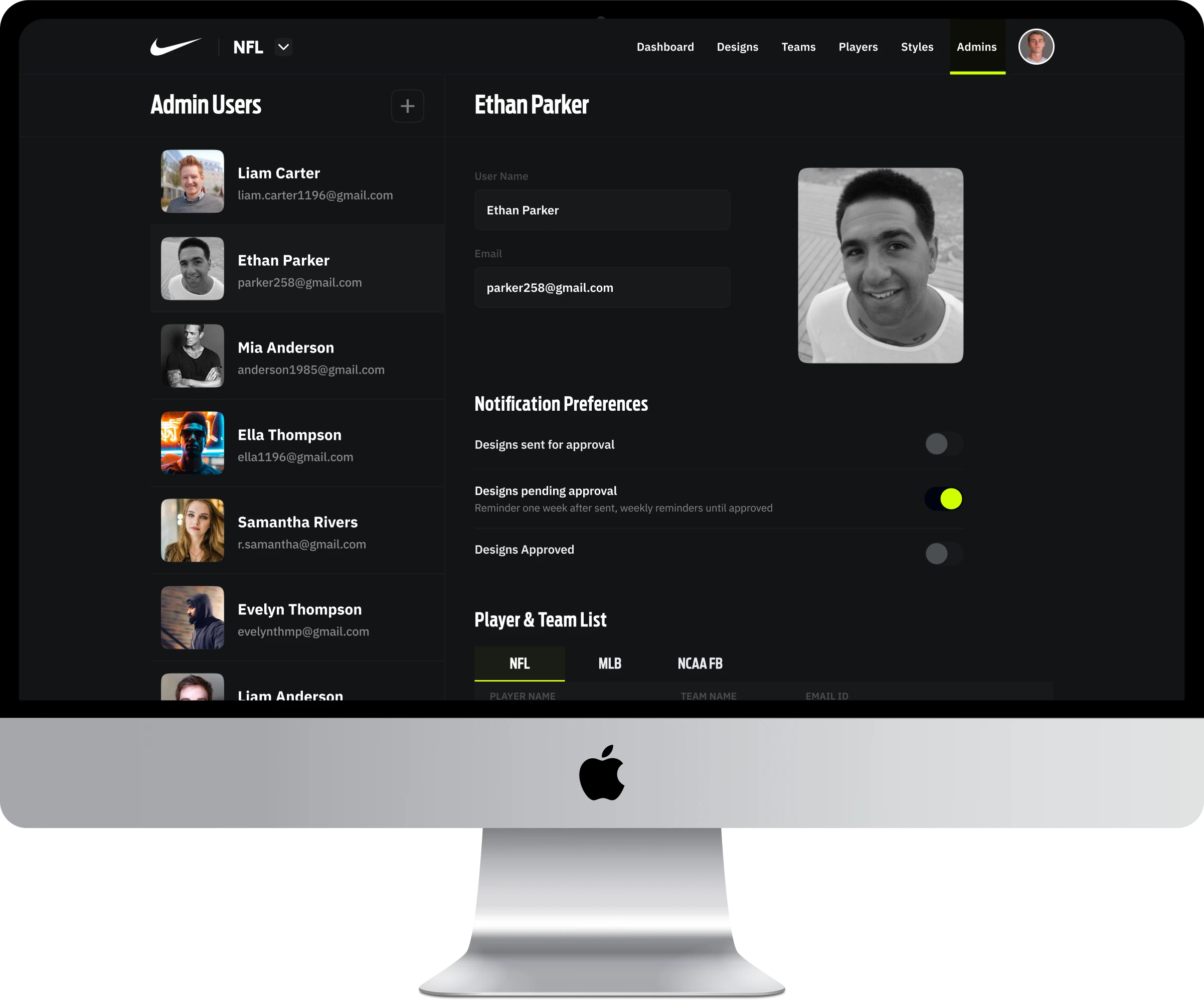
The athlete’s experience with the Nike Equipment Builder is fully managed through the admin panel I designed. From glove types and color options to new design releases, admins control what athletes see and how they interact. Once a design is created in the admin panel, it’s sent to the athlete’s view, where players can either approve it or customize it further ensuring the experience remains consistent, flexible, and aligned with the brand.
Mobile Screens.
Web Screens.
Collaboration.
Collaboration played a crucial role in the success of the Nike project. Working closely with engineering and product teams, we held three weekly internal syncs and one detailed design discussion with Nike to explore possibilities and refine ideas. Incorporating their valuable insights, I iterated on my designs to ensure stability and usability.
We utilized Google Meet for meetings, Jira for task management, Confluence for documentation, and Miro for brainstorming sessions. This seamless integration of tools and teamwork contributed to the project’s overall success.
Jira
Confluence
Google Meet
Miro
Results & Impact.
  • 🎯 Precision: Reduced manufacturing errors by ~30%, improving production accuracy.
  • 🕒 Efficiency: Saved over 100 manual design hours each month through automation.
  • 🙌 User Love: Athletes praised the intuitive, easy-to-use customization experience.
  • 💬 Sharing: Enabled users to export their designs as PDFs, simplifying supplier communication.
Conclusion.
The Nike Equipment Builder has been one of the most rewarding projects I’ve worked on so far. Collaborating with a client as iconic as Nike brought immense motivation and inspiration to every step of my design process. I’m proud to share that the application is now live and being used by countless athletes to customize their gear.
error: Content is protected !!
User Personas & Scenarios.
John Williams.

Age: 28
Occupation: Professional Baseball Player
Location: New York, USA
Tech Savviness: High

Goals
  1. Customize athletic gear for personal use and team events.
  2. Ensure comfort and performance through tailored equipment.
  3. Access gear customization easily and quickly, during off-season or training
  4. Stay ahead of the competition with personalized, high-quality products
Frustrations
  1. Limited options for customizing gear from traditional sports retailers.
  2. The customization process is often time-consuming and inefficient.
  3. Hard to coordinate with team managers for group orders or uniform customization.
Needs
  1. A streamlined, easy-to-use app that enables quick gear customization.
  2. A platform that supports individual and team-level customization for uniformity. Mobile access to modify and view designs on-the-go.
Technology
  1. Uses a smartphone (iOS) and laptop (Mac) for work and personal use.
  2. Prefers mobile apps for convenience and speed.
Scenario
John is preparing for an off-season training camp and needs customized gloves and chest protectors for better performance. He opens the Nike Equipment Builder app on his smartphone to easily customize and order the gear. He selects his team colors, adds personal touches, and places the order for quick delivery. The app’s seamless interface allows him to visualize the final product and confidently make a purchase.

Expected Outcome: John receives his custom gear in time for training, ready to perform at his best.

Mark Davis.

Age: 35
Occupation: High School Softball Coach
Location: Chicago, USA
Tech Savviness: Moderate

Goals
  1. Order customized gear for an entire team of players, ensuring uniformity in look and performance.
  2. Stay within budget while providing high-quality, customized gear for athletes.
  3. Easily coordinate team orders and customize multiple pieces of equipment (gloves, chest protectors, etc.) in one place.
Frustrations
  1. Difficulty tracking team gear orders and meeting players’ preferences.
  2. Limited flexibility in changing team designs after orders.
  3. Time-consuming to communicate individual player needs to suppliers.
Needs
  1. A tool to manage and customize team orders.
  2. Clear visibility of customization options for different players within the team.
  3. Seamless order tracking and the ability to make last-minute changes.
Technology
  1. Regularly uses a laptop (Windows) and a smartphone (Android) for coaching, planning, and managing team logistics.
  2. Prefers web applications for detailed planning but uses mobile for quick access during practice.
Scenario
Mark, the coach of a high school softball team, needs to order customized gear for his players. He uses the Nike Equipment Builder web app to create designs for gloves, chest protectors, and leg guards for her whole team. He customizes each player’s gear based on their individual preferences while maintaining the team’s colors and logo. The app allows her to track the entire order process and make adjustments as needed.
Expected Outcome: Mark places an order for the entire team with ease, ensuring each player receives their custom gear on time.