Beginning Through Research
Every impactful design starts with understanding. Through research, we uncovered real user needs and challenges.
Our Agenda.
  • Understanding the Requirement
  • Creating & Grooming the Jira tickets
  • Collecting Feedback
  • Handoff & Build release
Figma
Miro
Maze
Confluence
Heap analytics
Project Brief & My Role.

Etta is designed for large enterprises that require complex configurations to support both employee needs and company travel policies. The project aimed to redesign a productivity tool that enables users to manage tasks more efficiently while aligning with organizational requirements.

I collaborated closely with cross-functional teams, including product managers, developers, and marketing, to understand objectives and address user pain points. My role involved conducting user research, creating personas and journey maps, designing and iterating wireframes and prototypes, and working through development and testing phases to ensure a smooth and effective implementation.

We Followed the Double Diamond Process
Brainstorming Sessions.
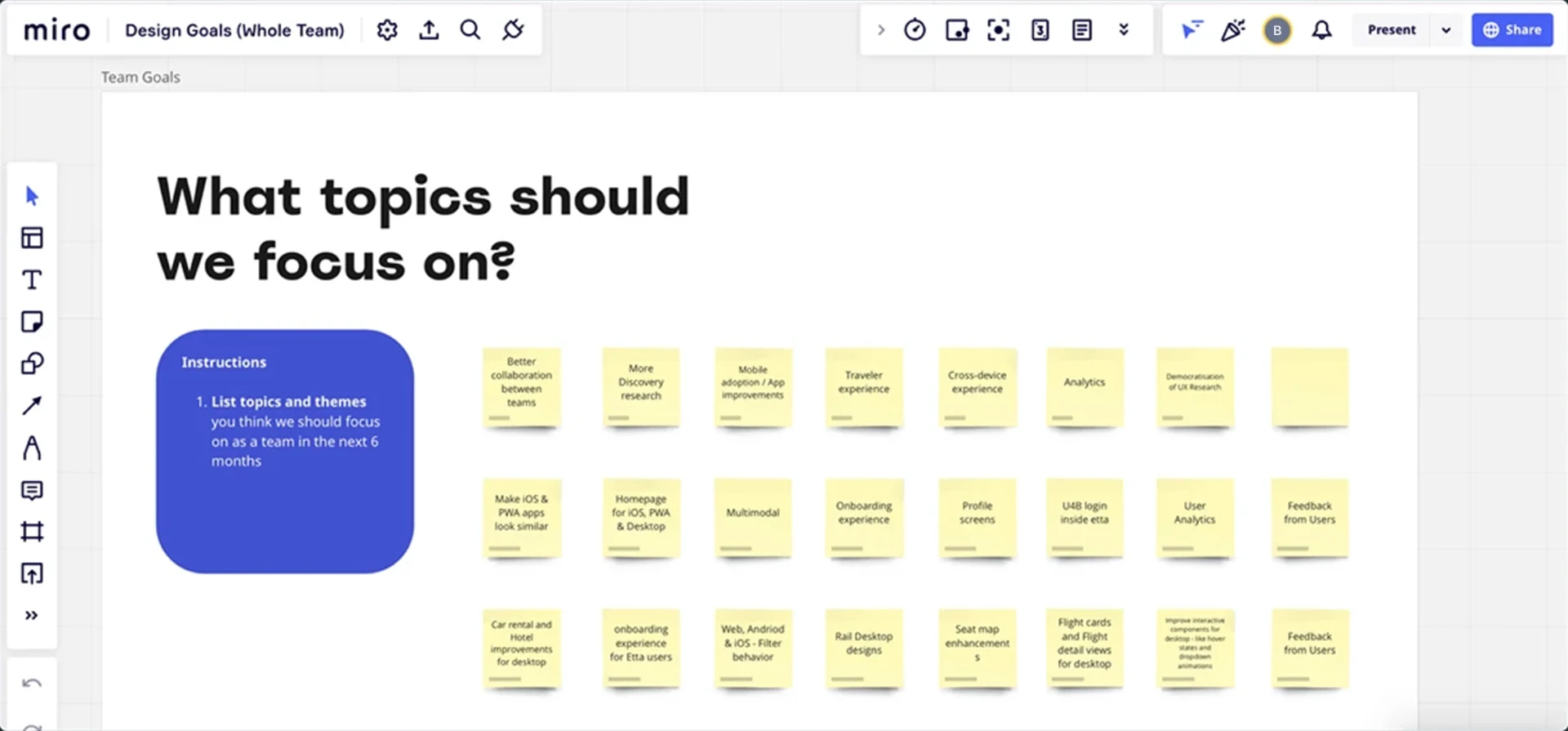
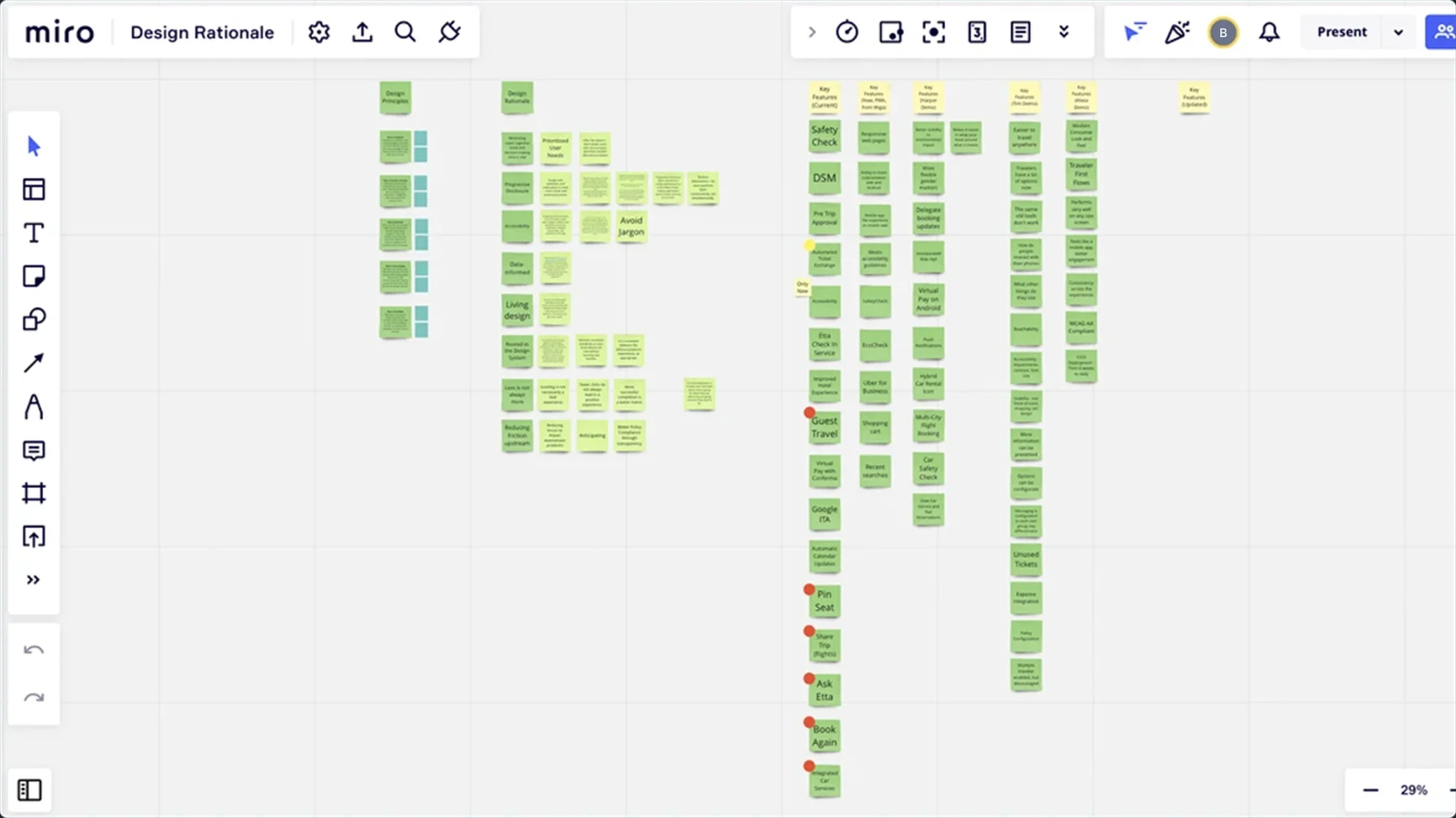
We held internal brainstorming sessions to align the team on project goals and challenges. Using Miro, we encouraged collaborative idea generation and streamlined decision-making. These sessions enabled us to explore multiple approaches and unify our strategy for success.
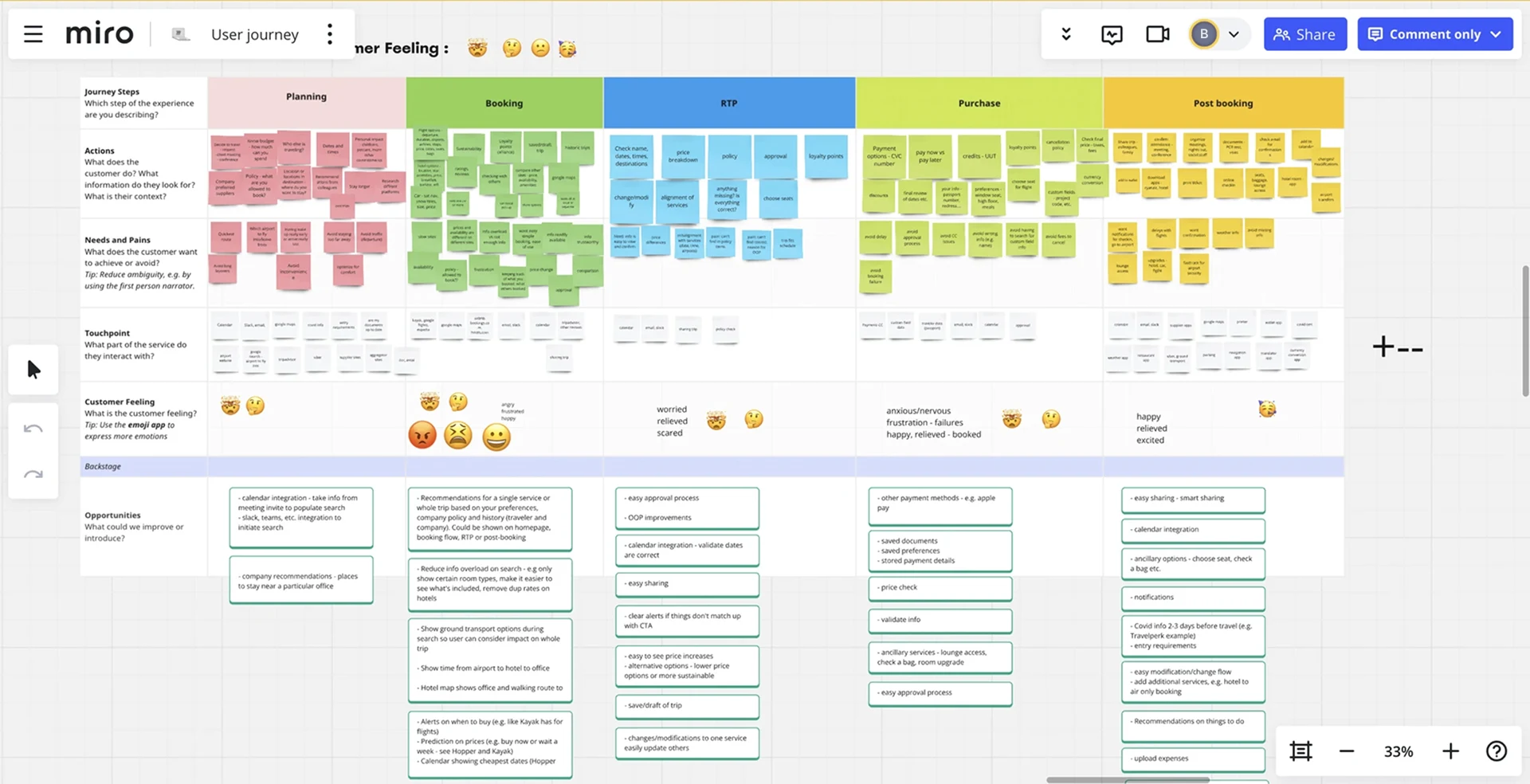
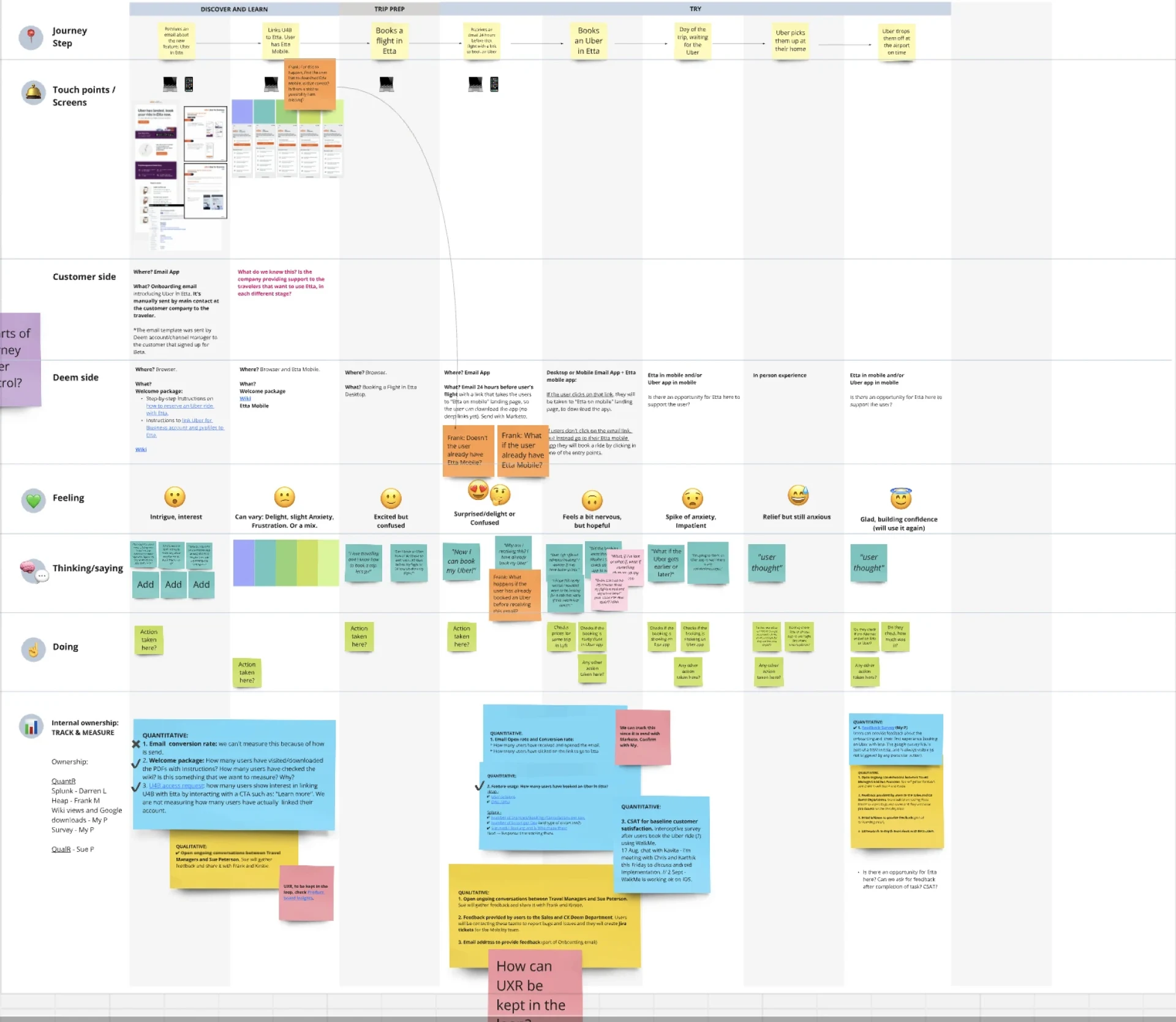
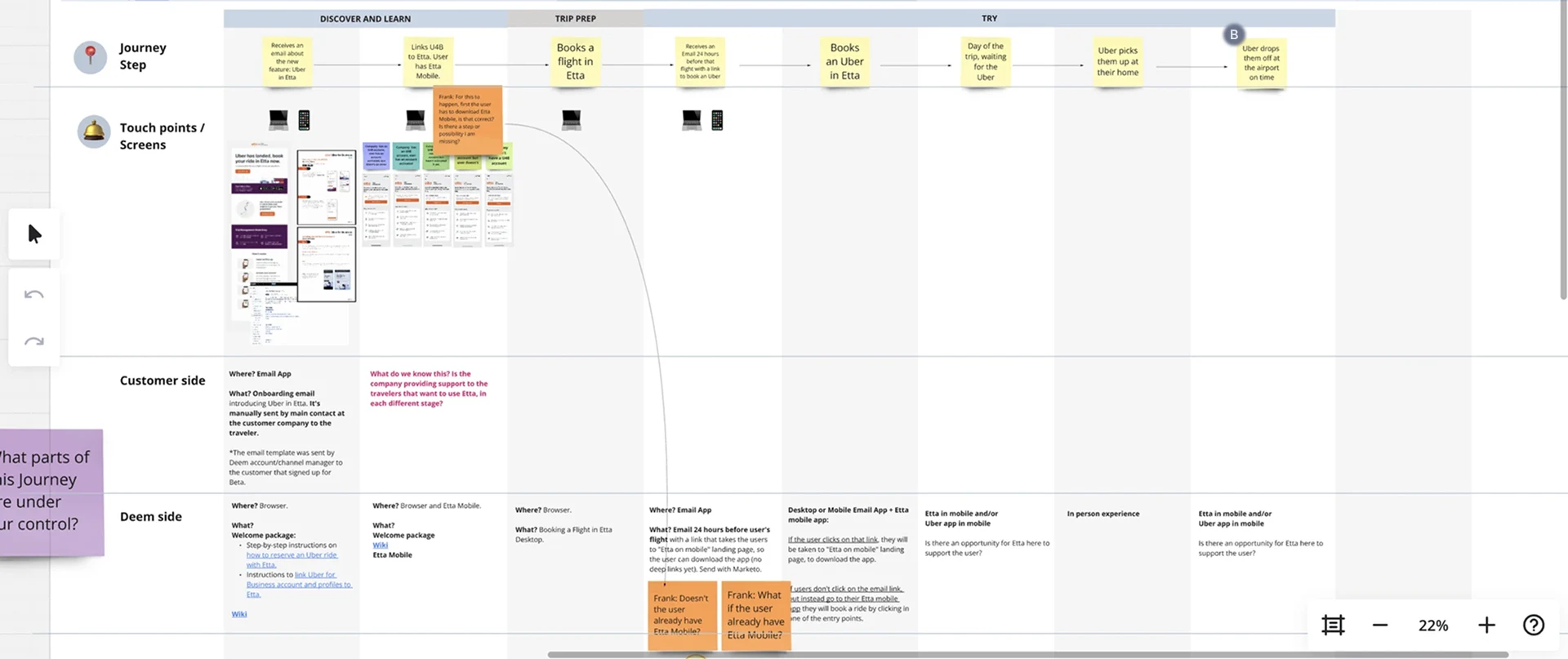
User Journey Mapping.
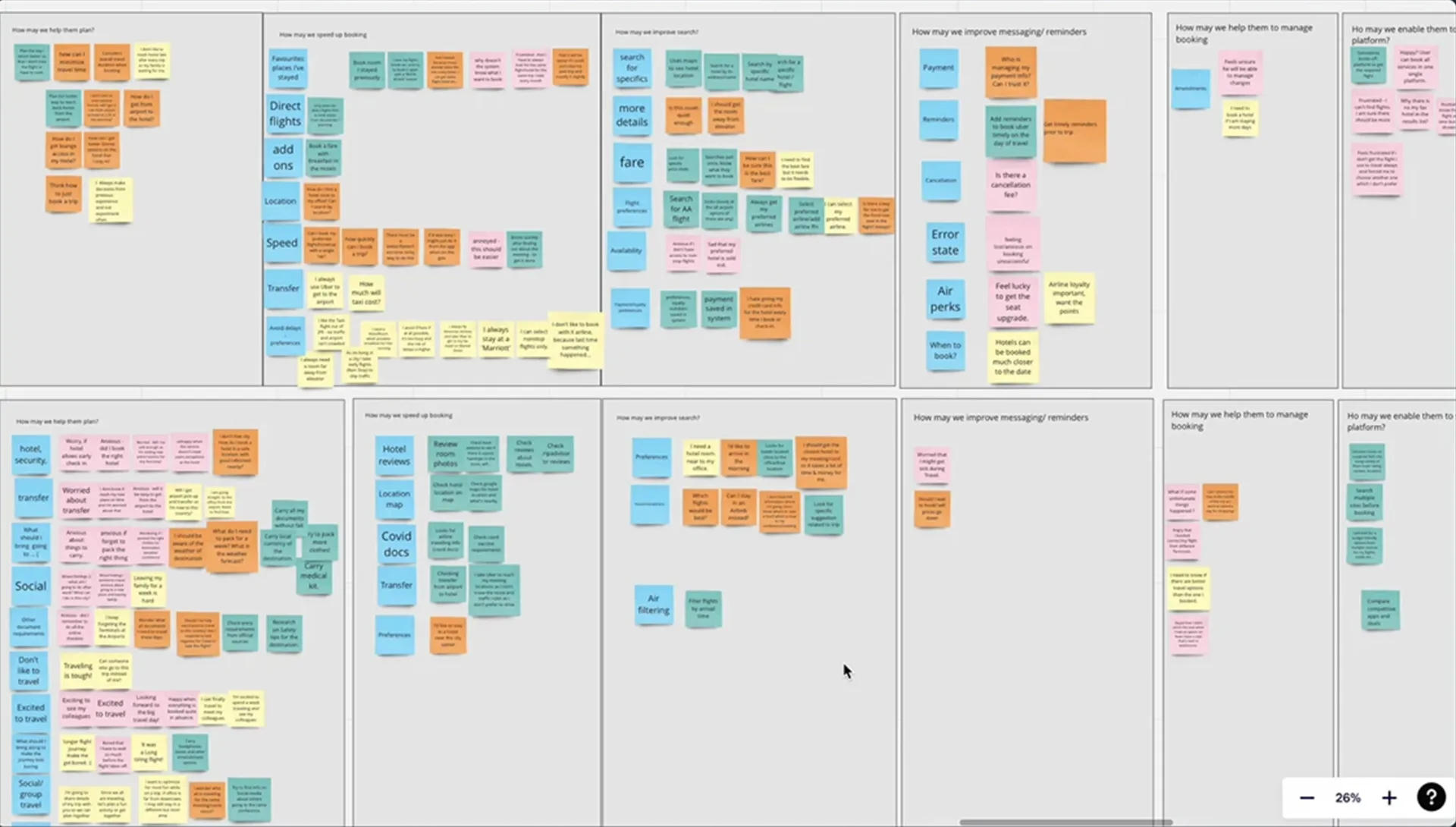
We created detailed user journey maps to understand how users interact with the product at every touchpoint. These visual flows revealed pain points and opportunities to streamline functionality. This process ensured the design met real user needs, improving usability and overall satisfaction.
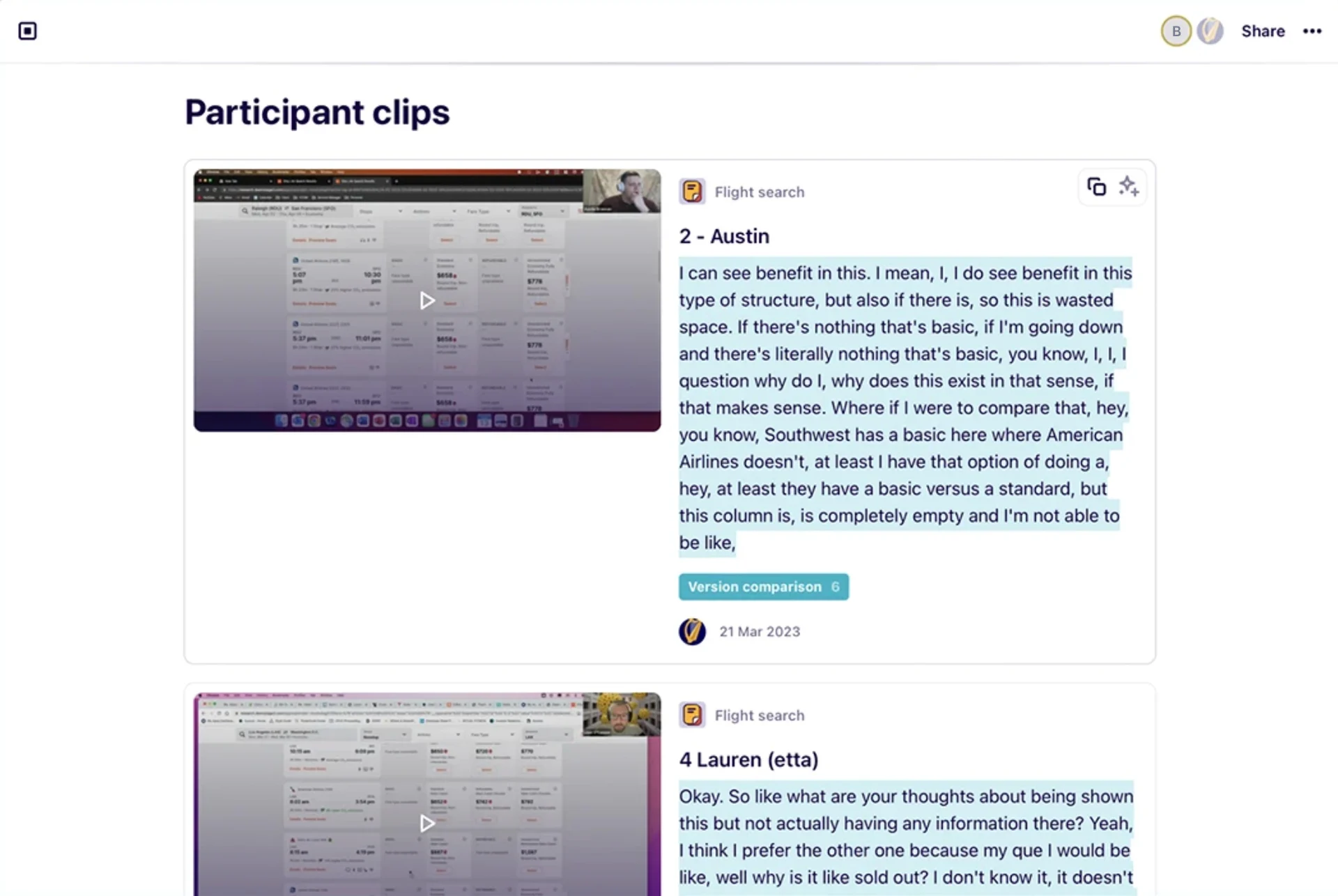
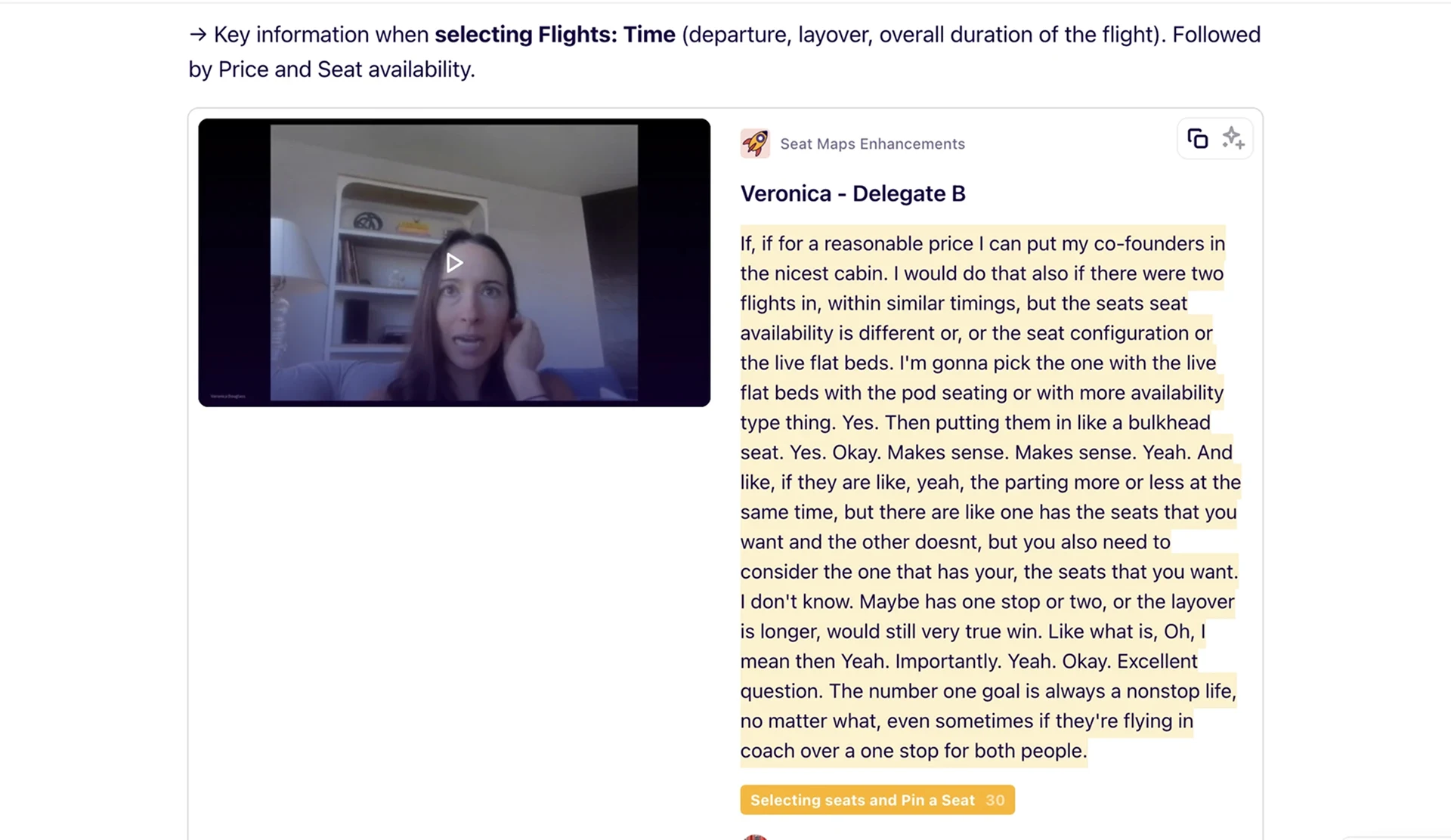
User Interviews & Insights.
We conducted user testing and interviews to gather insights on how users interact with the tool. This revealed pain points, challenges, and opportunities for improvement. The findings helped prioritize features, refine the experience, and ensure the product meets user needs effectively.

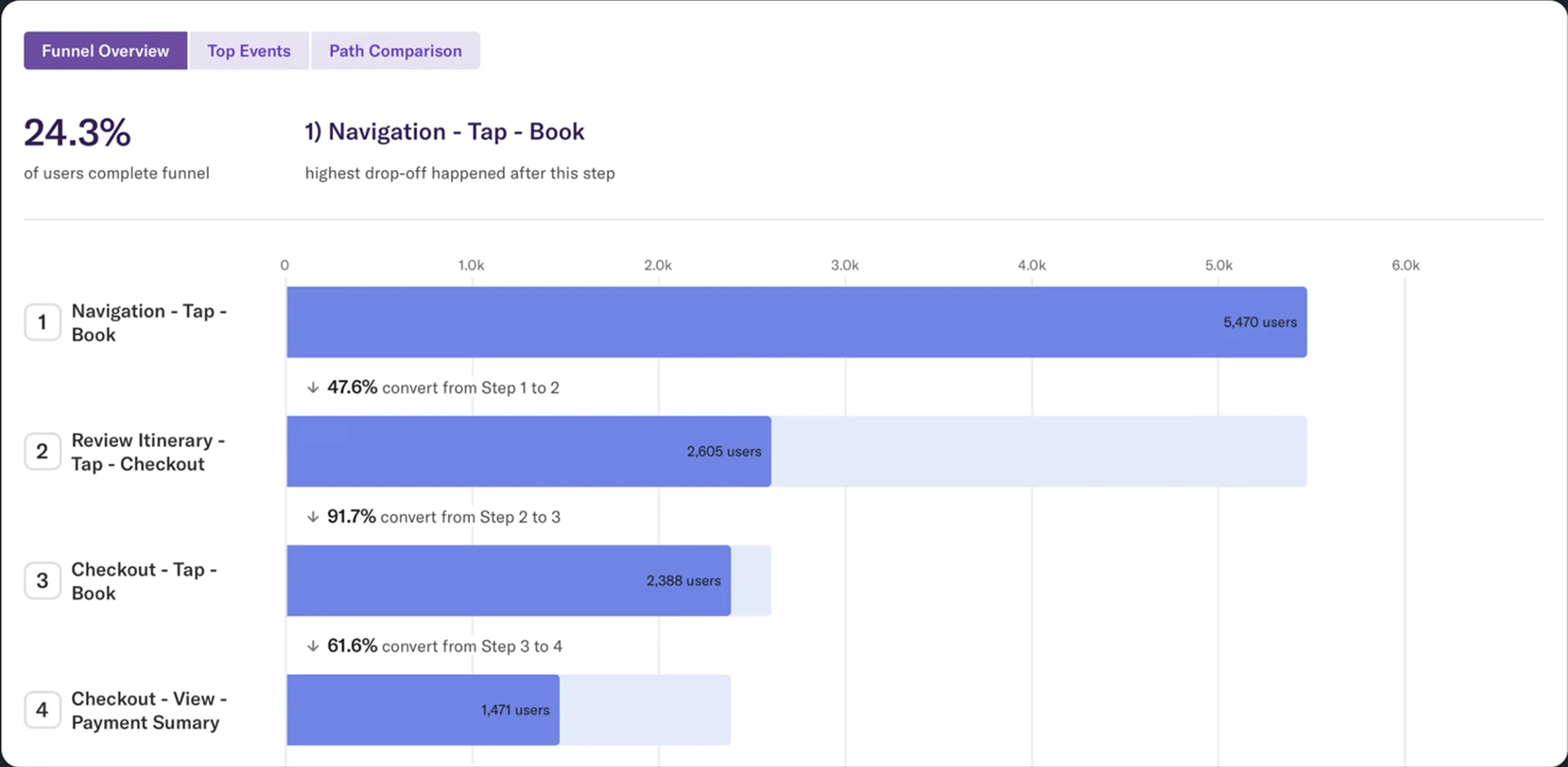
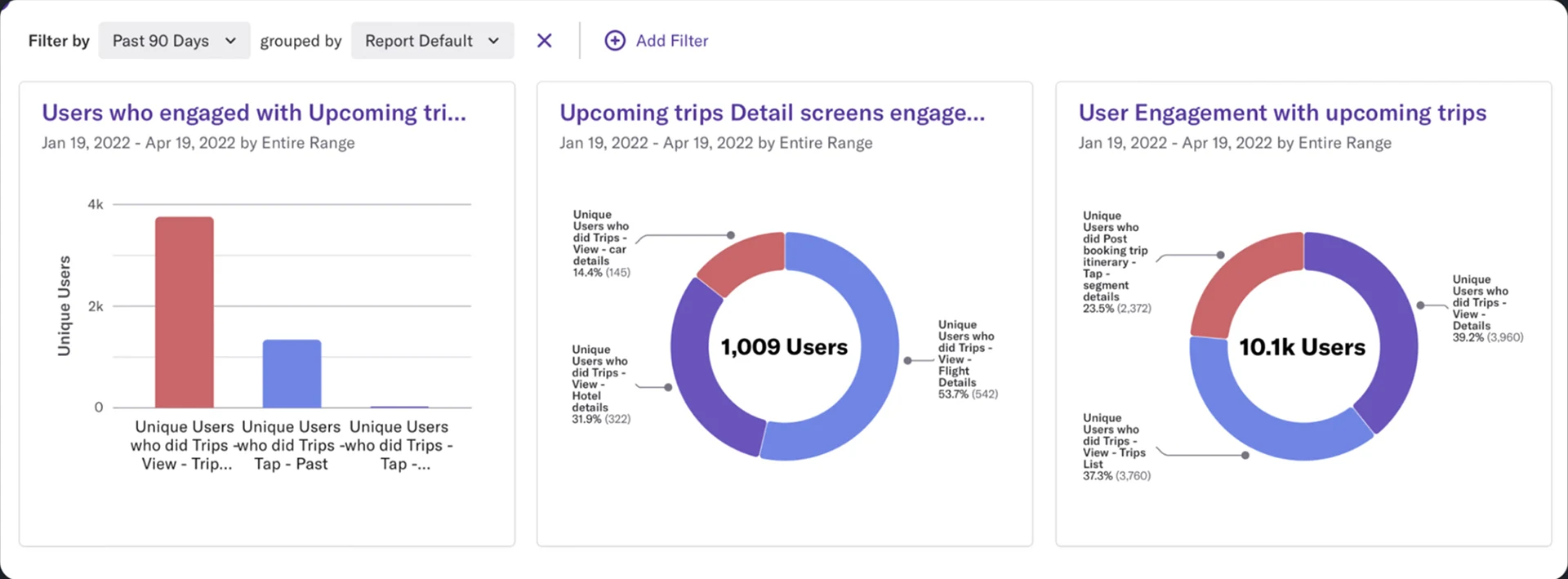
Heap Analytics.
We used Heap Analytics to track user behaviors and identify key usage patterns. This quantitative data, combined with qualitative feedback from interviews, confirmed hypotheses and revealed improvement areas. These insights guide us in prioritizing impactful changes to better meet user needs.
Understanding the requirement.
In order to understand more about any requirement we go through a few stages, as listed below.
Product Brief
Once the high-level product brief is ready, the design team collaborates with Product to discuss outcomes, challenges, and use cases. The brief is updated continuously until sufficient data is gathered.
User Research
At this stage, user research is conducted to understand target users and their needs, adding context and insights to the design process. UX researchers use various methods to identify problems and uncover design opportunities.
Updating the Product Brief
Based on research outcomes, the product brief will be updated and reviewed with the team. Once finalized, it will be shared with the design team, where requirements are broken down into tasks and Jira tickets are created.
Creating & Grooming Jira tickets.
Updated product brief from the previous stage will be taken and broken down into smaller tasks or flows
Creating Jira Tickets
Design team breaks down the product brief into Jira tickets as needed.
Grooming & Assigning
Each Jira ticket will be groomed with the design team and assigned to a respective designer along with the due dates. From here designer will take the tickets into IN-PROGRESS
Initial Designs
With all the inputs, designer will come up with some initial concepts / designs and will be discussed with internally and out of all the design options a few sets of designs are shortlisted for engineering and product teams.
Collecting Feedback.
Once the shortlisted designs are ready, they’re shown to the engineering & product teams to collect their feedback
Engineering Feedback
Shortlisted designs are shown in the scheduled meetings with all the developers and collects there feedback. Information regarding API’s and their limitations, Interactions and security were also discussed in the meetings. Based on this feedback designs are iterated.
Product Feedback
Updated designs with all the engineering feedback will be shown to all the product teams and collects their feedback. Considering business, marketing & sales strategies designs can be iterated to produce final designs
Testing with Users / Finalizing

With all the feedback received from product teams designs are iterated and stitched into a prototype. This will then be tested with users, if possible.

Based on the learnings, final set of designs will be shown to Engineering & Product teams.

Over to the Hand-off process!

Handoff’s & build release.
Once designs are finalised with all the feedback, desgins will be moved to master files and preparation for handoff will be started
Developer Handoff
In this stage, all the final set of designs will be moved to Master files were new components are created and linked from the design system. Few assets will be added to cloudinary as well. Once everything is done Jira ticket will be updated with design links and marked as closed
UX Polish & User Testing

After the development, UX Review is done by the design team for any design related QA & feedback.

User Testing will be perform before the release or after the release as it is subjected to time constrains

Build Release
After completion of all the states, Feature / build is sent to PO approval for build release. Users will get the feature via app updates
Journey of a Task.
error: Content is protected !!